
Vanco (also called MyVanco) powers online giving for thousands of churches. One thing to know upfront: you don’t log in at vancopayments.com itself — you sign in through your church’s giving page, the MyVanco portal, or the Vanco app.

How donors sign in
- Go to your church’s “Give Now” (online giving) page, or directly to app.myvanco.com.
- Enter your username (the email you used to create the account) and click Continue.
- Enter your password to sign in. From there you can manage recurring gifts, view history, and update payment methods.
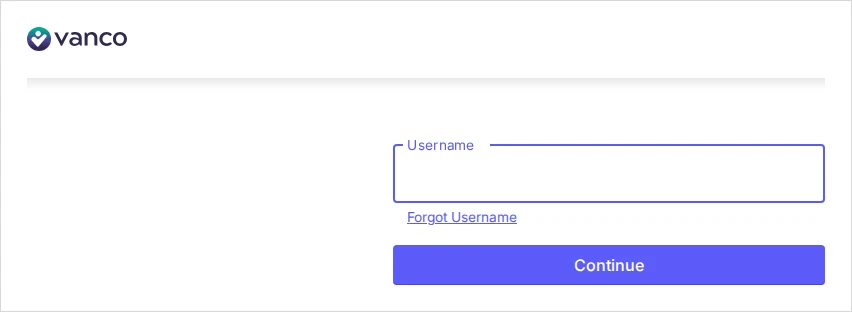
There are two versions of MyVanco in use: Classic (GivePlus) MyVanco and the New MyVanco (shown above). If a login fails on one, your church may be on the other — check with your church office.
The Vanco Mobile app
- Download Vanco Mobile Faith Engagement (iOS and Android).
- Tap Find your organization and search for your church by name or invite code.
- Tap Log in and enter your MyVanco email and password. You can enable fingerprint or a PIN for next time.
Church administrators
Church staff manage the giving program, reporting and funds by signing in to MyVanco at app.myvanco.com with their admin email and password.
Common problems & fixes
- Forgot your password? Use the Forgot password link on the login screen — your username is the email on your account.
- Can’t find your church in the app? Searching by name can be unreliable; the invite code from your church is the dependable way in.
- Can’t give at vancopayments.com? That’s by design — use your church’s giving page or the Vanco Mobile app.
Vanco client support: 800-675-7430 (option 1) or cs@vancopayments.com.
Stay safe: This is an independent how-to guide — we are not affiliated with the platform. Only ever enter your username and password on the platform’s official domain (linked above). We never ask for your login details.





Comments