
Hallow is the popular Catholic prayer and meditation app. You can sign in on the app (the main way most people use it) or on the web. The one rule that prevents almost every problem: always use the same sign-in method.

How to sign in
- Open the Hallow app, or go to hallow.com/login on the web.
- Choose one method: Continue with Phone or Email, Continue with Google, or Continue with Apple.
- If you choose phone or email, Hallow is passwordless by default — you’ll get a magic link or a six-digit code to confirm. (You can add a password later in Settings if you prefer.)
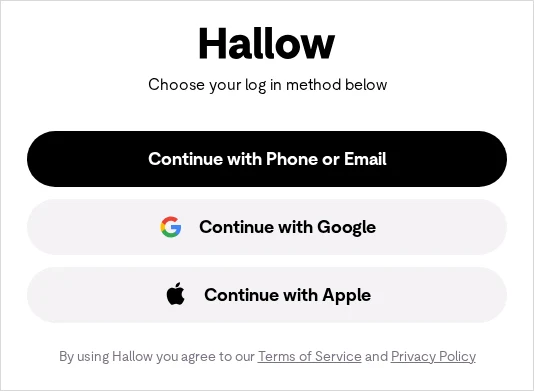
Use the same method everywhere. Signing up with Apple and later trying email (or vice-versa) creates a separate account — with its own subscription and prayer history. Always sign in the way you first signed up. Phone sign-up is available in the USA only.
Free account vs Hallow Plus
A free account unlocks hundreds of sessions (daily gospel, daily rosary, daily meditation). Hallow Plus is the paid subscription that unlocks the full library. Many parishes share discounted access codes.
Common problems & fixes
- Logged in but everything’s gone? You’re almost certainly on a second account from a different sign-in method. Log out and sign back in with your original method.
- Forgot your password? On the sign-in screen choose phone/email, then “use password instead” and the help/forgot-password option. If you never set a password, just use the magic link or code.
- Restore a subscription? Manage and restore through the store you subscribed in — Apple account settings on iPhone, or Google Play on Android.
For more, see the official Hallow Help Center or email support@hallow.app.
Stay safe: This is an independent how-to guide — we are not affiliated with the platform. Only ever enter your username and password on the platform’s official domain (linked above). We never ask for your login details.





Comments