
ParishSOFT is church management software built for Catholic parishes and dioceses. Parishioners use it through “My Own Church”, and parish staff use Family Suite. One important thing to know: ParishSOFT is diocese-specific, so the login web address includes your diocese’s name.
How to sign in (My Own Church / Family Suite)
- Open your diocese’s ParishSOFT address in your browser: https://yourdiocese.parishsoftfamilysuite.com — replace yourdiocese with the name of your diocese (for example, a San Antonio parishioner uses
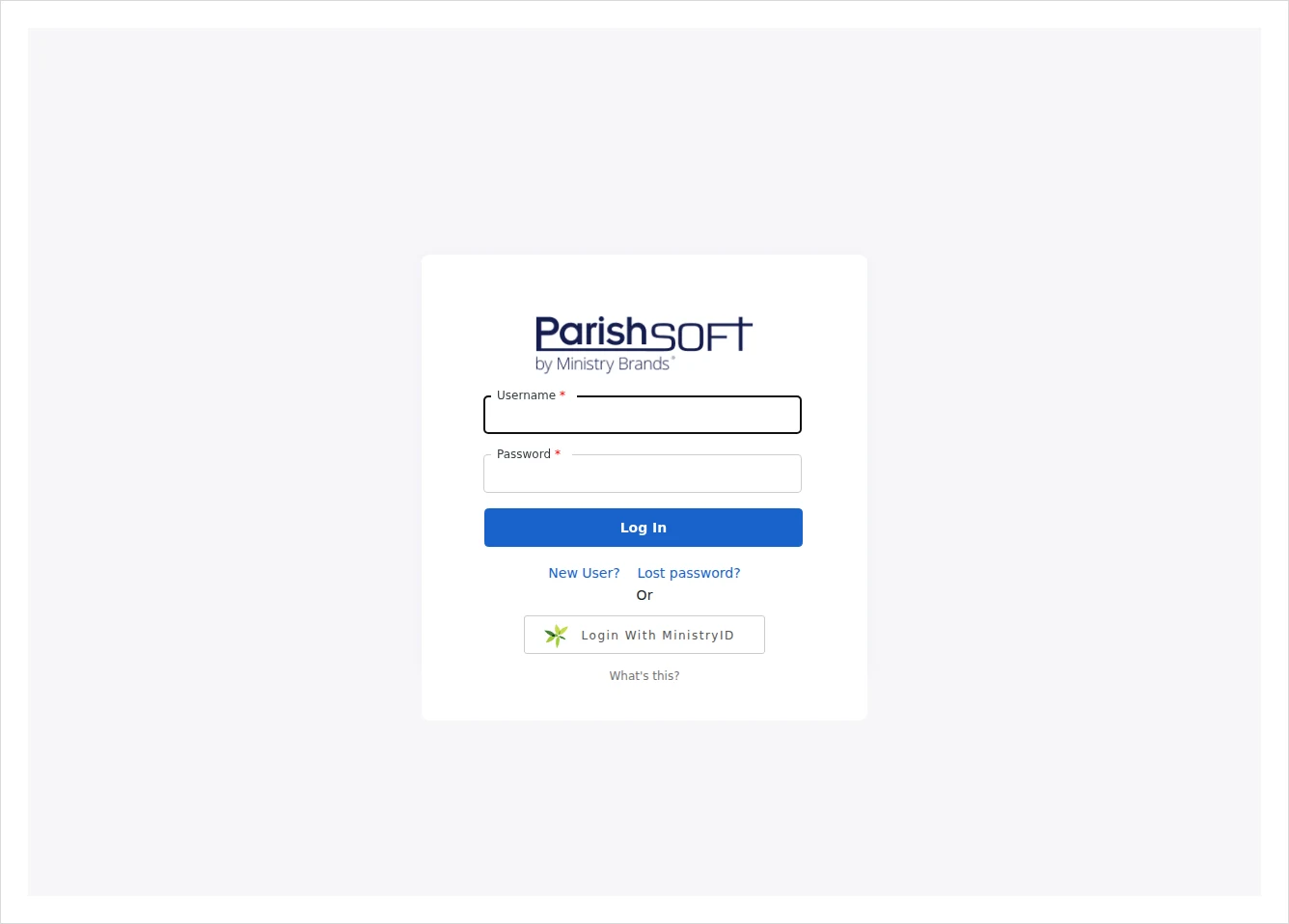
sanantonio.parishsoftfamilysuite.com). - On the Welcome page, type your username and password and click Log In.
- Alternatively, click Login with MinistryID and enter your MinistryID credentials — a single sign-on that opens multiple ParishSOFT products with one login.
Don’t know your diocese’s web address? Ask your parish office — it almost always follows the pattern yourdiocese.parishsoftfamilysuite.com.
New user? Create a My Own Church account
- Go to your diocese’s ParishSOFT address (above).
- Click the “New User?” link to open the New User Registration form.
- Complete the registration steps. My Own Church then lets you update your family information and view your giving history securely.
ParishSOFT Giving login
To manage online donations, the giving portal has its own login at giving.parishsoft.com.
Common problems & fixes
- Wrong web address? Make sure you’re using your own diocese’s subdomain — a generic parishsoft.com address won’t log you in.
- Forgot your password? Use the password-reset link on your diocese’s login page, or reset your MinistryID if you use single sign-on.
- First time on the new ParishSOFT platform? Some dioceses recently migrated; you may need to set up your account again on the new login page.
For step-by-step help, see the official ParishSOFT Support Center.
Stay safe: This is an independent how-to guide — we are not affiliated with the platform. Only ever enter your username and password on the platform’s official domain (linked above). We never ask for your login details.




Comments